

PLAYDASH app guide for Android and iPhone
PLAYDASH runs as a mobile web app in your browser. Nothing needs installing: add a home-screen shortcut for one-tap access and use the same account as on desktop.
A web app, not a download
There is no conventional PLAYDASH APK at the centre of the mobile setup. The site adapts to Android and iOS screens and updates itself.
PLAYDASH works as a PWA-style web application. You open the official site in a browser, sign in, and the current version loads automatically. Updates happen on the website, so there is no file to replace and no manual update to install.
“Download” is therefore less literal than it sounds. No separate official APK or App Store/Google Play application is confirmed, and an app carrying the PLAYDASH name elsewhere is not automatically connected to the real account system.
| Parameter | Details |
|---|---|
| Format | Mobile web app / PWA-style site |
| Compatibility | Modern Android and iOS browsers |
| Installation | Not required; optional home-screen shortcut |
| Account | Same login, balance and history as desktop |
| Updates | Delivered through the website |
| Licence | Anjouan ALSI-202410062-FI2 (offshore, not a Singapore licence) |
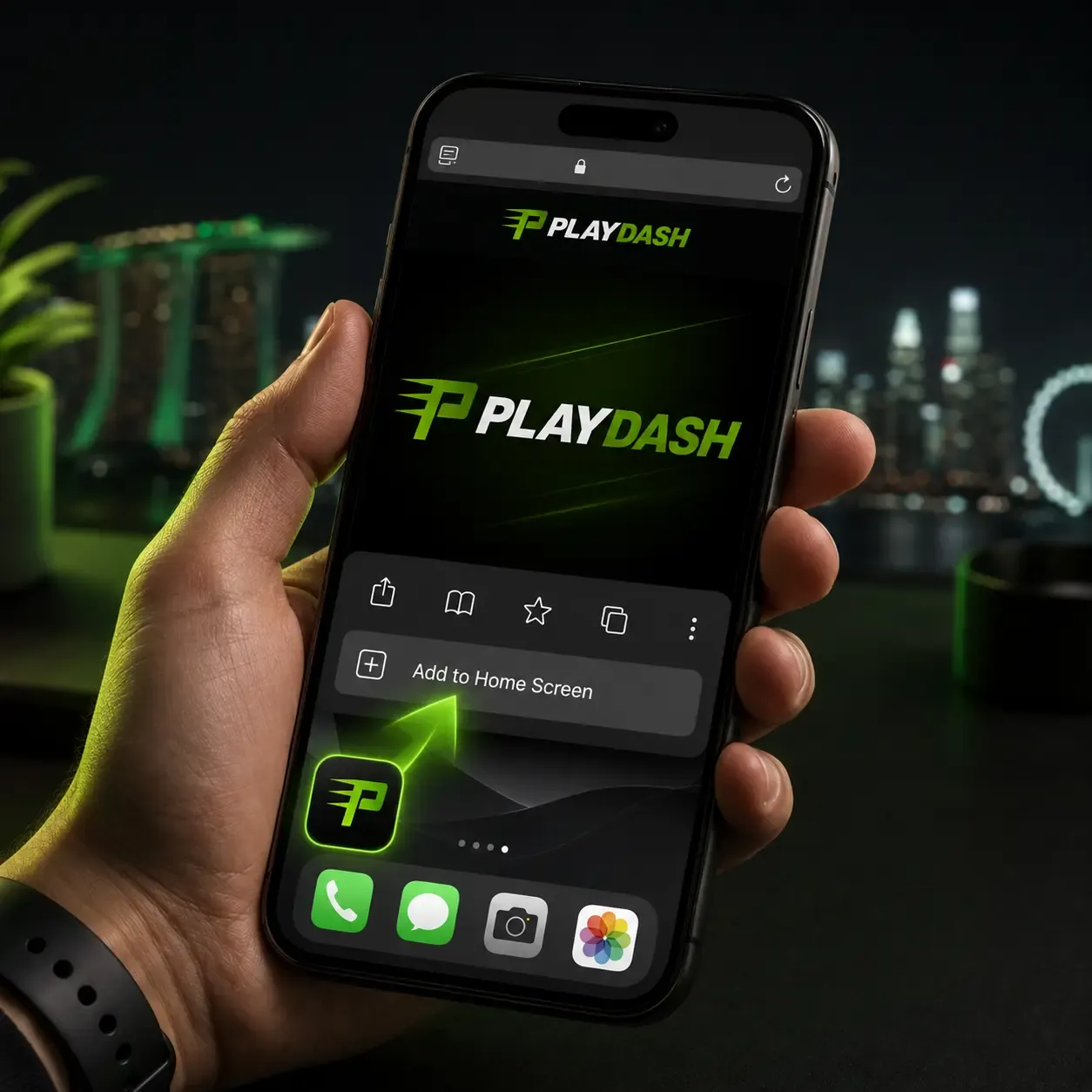
Adding PLAYDASH to your home screen
Android (Chrome)
- Open the official site in Chrome.
- Tap the browser menu.
- Choose Add to Home screen.
- Confirm the shortcut.
iPhone or iPad (Safari)
- Open the official site in Safari.
- Tap Share.
- Select Add to Home Screen and confirm.
The icon opens the same website. It is not an APK, needs no “unknown sources” permission and installs nothing executable — which is why it is the safer way to get app-like access.
Signing up and verifying from a phone
A phone is enough to register. The account you create on mobile works on desktop with the same details.
- Tap Sign Up.
- Enter a phone number or email and create a password.
- Confirm the phone number or email.
- Check the displayed currency, then deposit when ready.
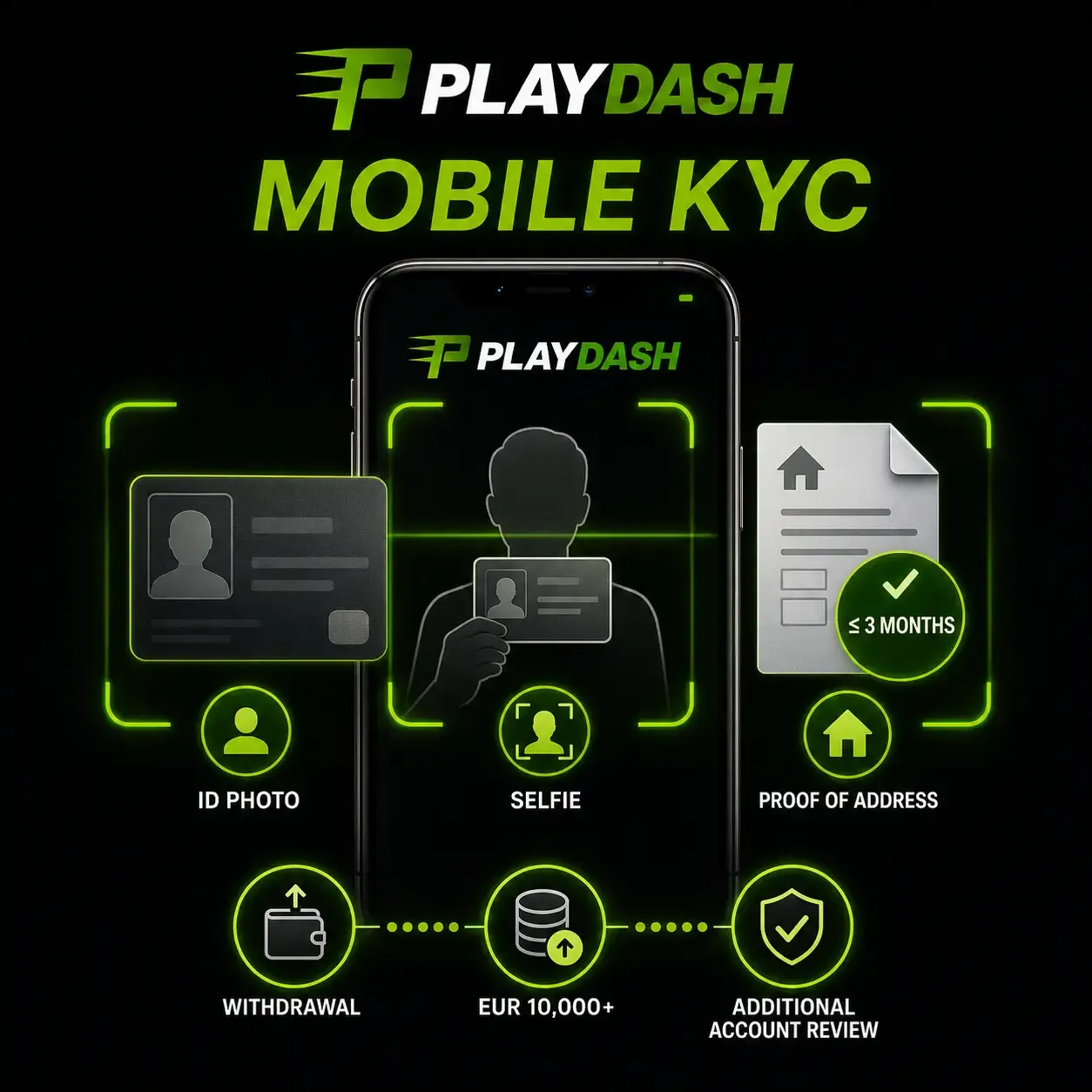
Full verification may be requested when you withdraw, when deposits exceed the equivalent of EUR 10,000 or when activity needs extra review. You can photograph and upload the ID, the selfie holding it and a bank statement or utility bill from the last three months directly from the phone. The login guide covers sign-in and recovery in detail.
The full game library on a small screen
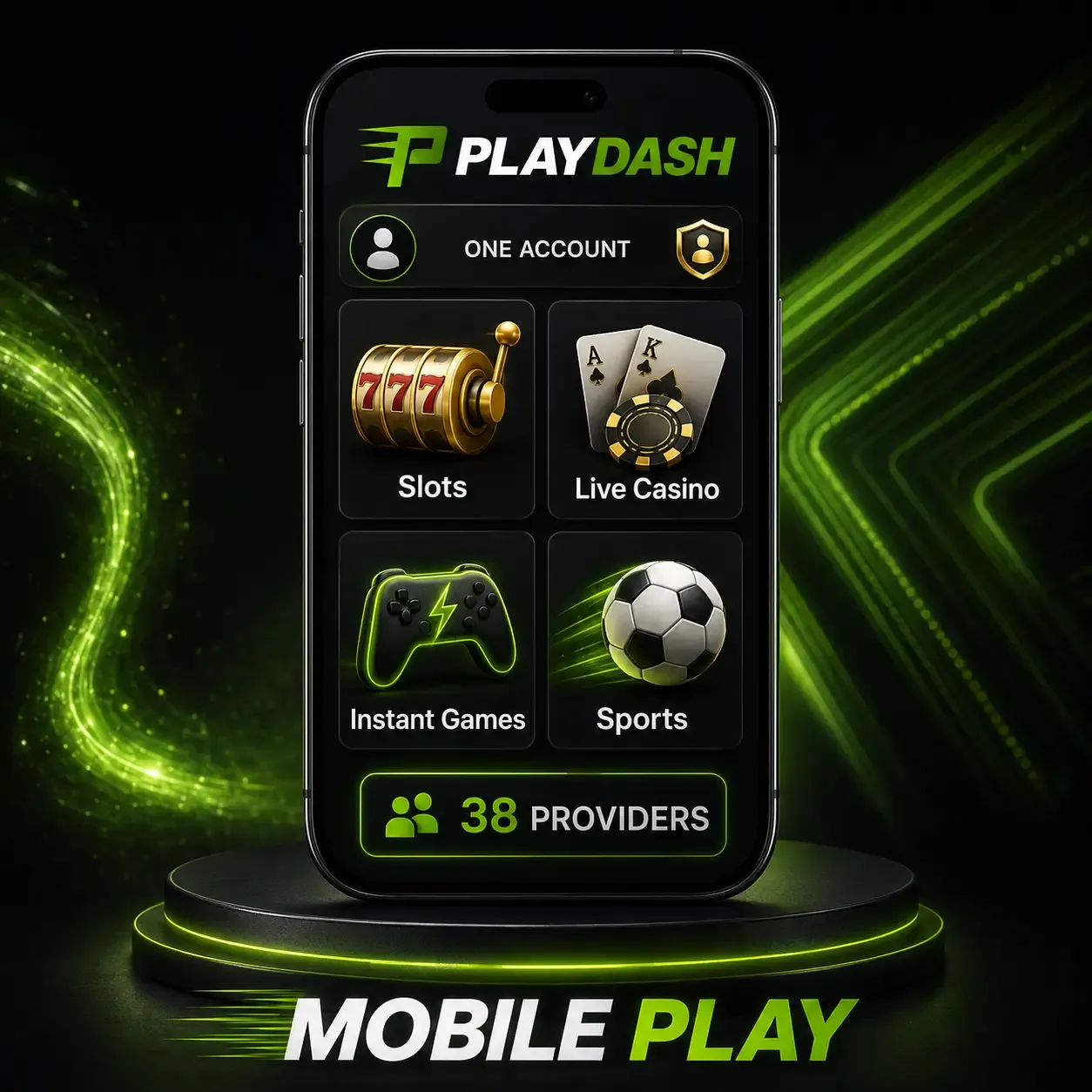
Mobile access is not a reduced catalogue. PLAYDASH lists thousands of slots from 38 providers — including Pragmatic Play, KA Gaming, Spinomenal and Playtech — and a live section with roulette, blackjack, baccarat and Dragon Tiger, with Evolution among the studios. On a smaller display the menus and game tiles reorganise themselves.
Instant formats such as Aviatrix, Chicken Road 2.0 and TVBet suit shorter sessions and use the same balance. New titles appear through the website, so there is never a fresh APK to look for.
Slots
Portrait play works well; heavily animated titles need more free memory on older phones.
Live tables
Video streams are the most demanding content. A stable connection matters more than the handset.
Instant games
Short rounds are quick to start and quick to repeat — set a stake and a stopping point first.
Sports betting from your phone
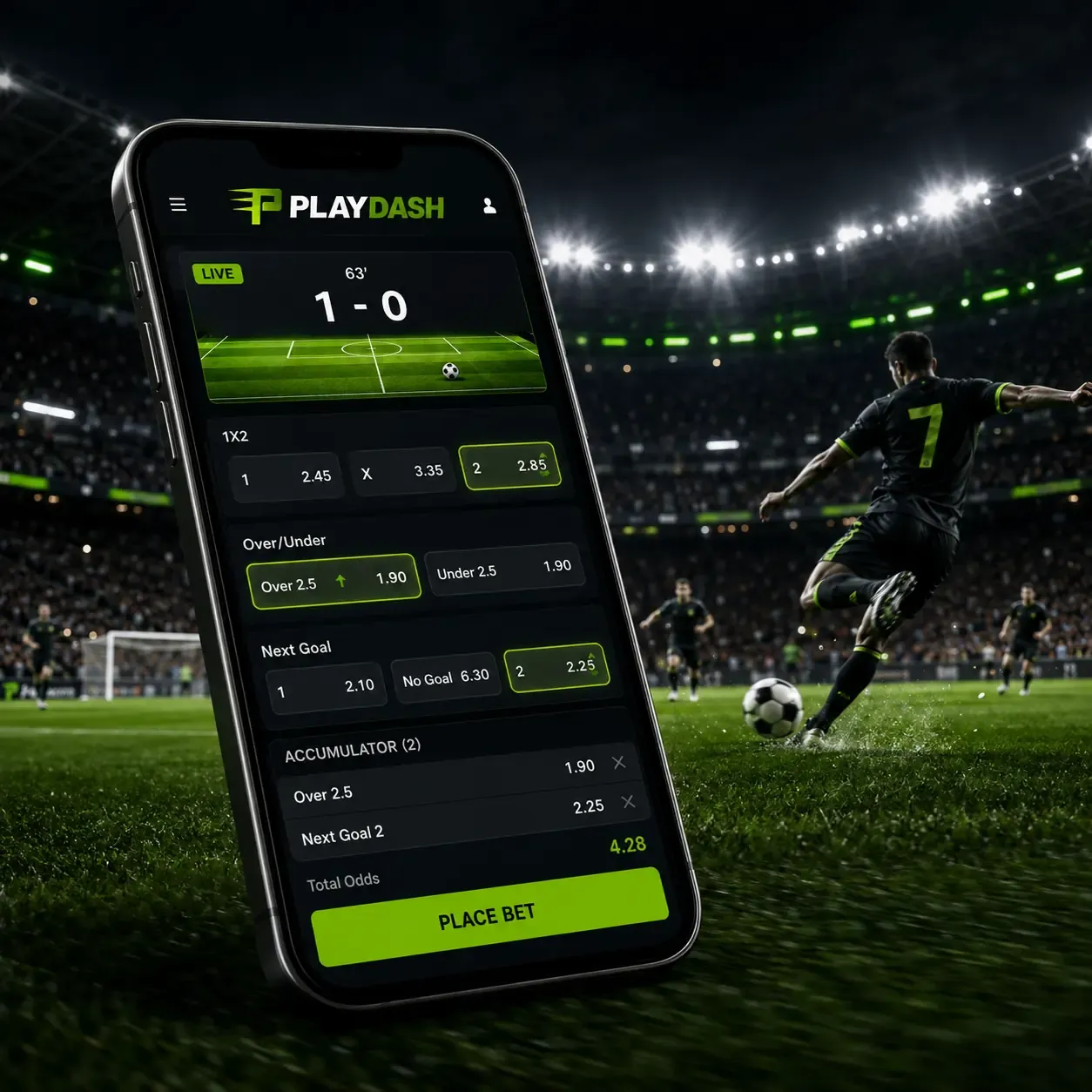
Casino and sports share one login, so there is no separate sportsbook app. The line covers football, basketball, esports, tennis, cricket, badminton, table tennis, volleyball, baseball, kabaddi, hockey and beach volleyball. During supported live events, odds and scores update as play develops.
Quick links lead to the World Cup, EPL, La Liga, Serie A, Bundesliga and Ligue 1, and Top Parlay offers a shortcut to accumulator selections. Pre-match markets, live betting and the bet slip all stay inside the same mobile site.
Claiming bonuses without a computer
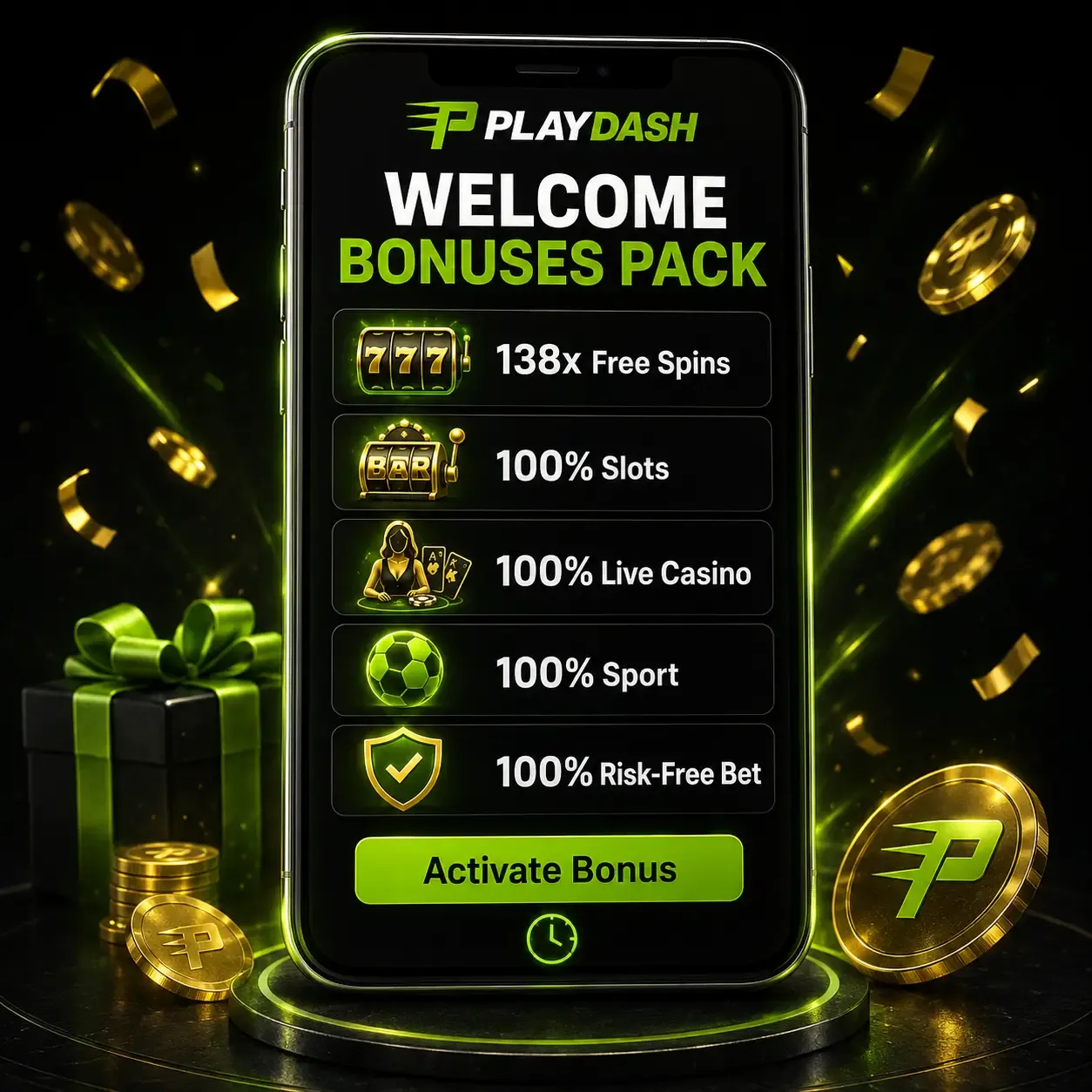
Promotions can be read and activated from the phone. The Welcome Bonuses Pack contains five introductory offers — 138x Slots Free Spins, 100% Slots, 100% Live Casino, 100% Sport and a 100% Sport Risk-Free Bet — and is activated with the on-page button before its countdown ends.
Recurring rewards are just as mobile-friendly: Weekend Slam (58 Free Spins or a Sports Free Bet worth up to SGD 10, 0x wagering), Daily Highlights with free-spin tiers up to 188, and One Day One Loot with up to SGD 8 cash and no wagering. The amount shown in your account when you claim is the one that applies. Full conditions are in the bonuses guide.
Deposits and withdrawals on mobile
The mobile cashier is the same cashier. A bank or wallet page may open for authentication; you return to the site afterwards.
Published options for Singapore-facing accounts include Sure Pay, Fast Pay, DG Pay, online banking, Singapore local bank, QR Pay and USDT via TRC-20 or ERC-20. Availability varies by account, so rely on the methods your own cashier shows.
| Detail | Published rule |
|---|---|
| Minimum deposit | Shown in the account cashier |
| Minimum withdrawal | Shown in the account cashier |
| Withdrawal processing | Varies by payment method; not guaranteed |
| Stated withdrawal fee | 0% |
| Maximum payout per bet | Shown in the current account rules |
Changing devices does not change these rules, and an unofficial APK cannot create different limits. Keep your banking app open alongside the browser when paying; never share a PIN or OTP. The payments guide covers methods, holds and KYC.
Keeping the mobile site running smoothly
Most current Android and iOS devices with an up-to-date browser handle PLAYDASH. Older phones may struggle with live video, and no extra download will fix hardware limits.
- close unused apps and browser tabs;
- prefer a private, stable network over public Wi-Fi;
- keep the browser and operating system updated;
- enable a screen lock and avoid shared devices;
- check whether a bet was accepted before refreshing a frozen game;
- log out after use.
When a game freezes or will not load
A frozen round on a phone is usually a connection or browser problem rather than a lost bet.
- Check whether the wager was recorded before refreshing, so the same bet is not placed twice.
- Refresh the page.
- Test the connection; switch between Wi-Fi and mobile data if one of them is unstable.
- Close unused tabs and apps to free memory.
- Clear the browser cache or try another updated browser.
- If it continues, send support the game title, provider, time of the error and a screenshot of the message on screen.
Live tables are the most sensitive because video needs a steady connection, and no download will fix unstable data or Wi-Fi. Older phones can also be slower with heavily animated slots; studios with lighter interfaces tend to load more easily on them.
Slots generally suit portrait, while live tables and sports are easier to follow in landscape. When you deposit, keep your banking or e-wallet app available, approve the payment there and return to the browser tab.
Spotting a fake app offer
Because no official APK or store app is confirmed, any download offered under the PLAYDASH name deserves suspicion. Warning signs include:
- a page asks you to allow installs from “unknown sources”;
- a file claims to give different payment limits or account rules — an unofficial APK cannot change them;
- an app asks for your password, PIN or verification code before you reach the official site;
- the link arrived by message, advert or an unofficial social profile.
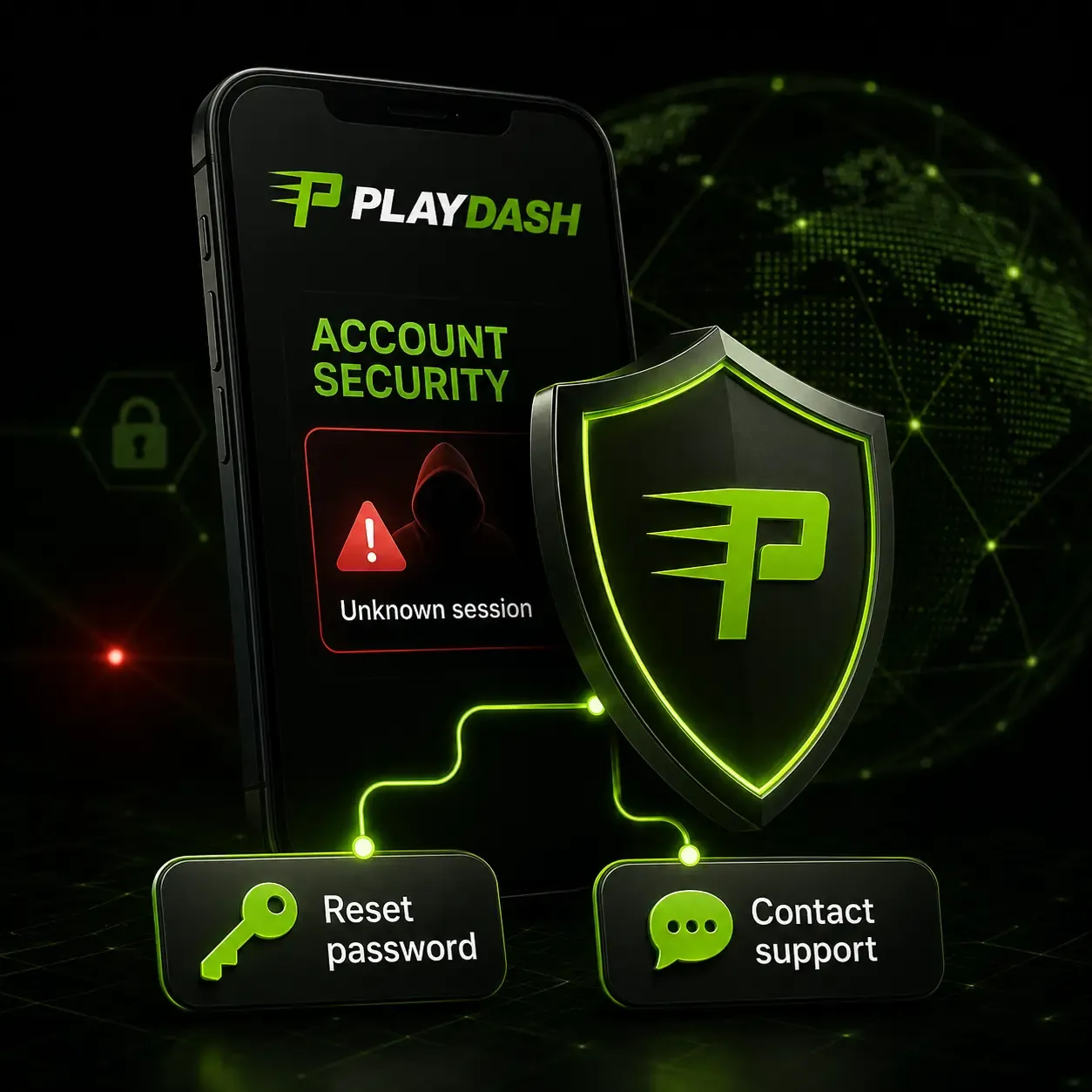
Such files may contain altered login pages, tracking software or malicious code. If you have already typed your details into one, change your password from the official site and contact support, as described in the login guide. The home-screen shortcut holds no account data, so deleting and re-adding it loses nothing.
Help while you play
Support is reachable from the phone through 24/7 live chat, the official Telegram channel and email. These channels cover account, payment, verification and mobile-access questions. If a third-party page offers an unexpected APK, ask official support before installing anything — normal access never depends on such a file.
Mobile questions
Do I need to install anything?
No. Open PLAYDASH in a current mobile browser and sign in. A home-screen shortcut is optional and installs nothing.
Is my account the same on phone and computer?
Yes. Balance, account details and betting history belong to the login, not the device.
Is there an official PLAYDASH APK or App Store app?
None is confirmed. Avoid third-party APK sites, whose files may contain altered login pages or malicious code.
Will it run on my phone?
Most modern Android and iOS devices with an up-to-date browser should. Live casino performance still depends on connection quality.
Does the app change the licence or rules?
No. PLAYDASH operates under Anjouan licence ALSI-202410062-FI2, an offshore status rather than a Singapore-issued licence, and the same terms and eligibility rules apply on every device.
Is mobile the right way for you to use PLAYDASH?
For most readers the browser version is the whole app: the same catalogue, promotions, cashier and support, updated without downloads. The trade-off is that live video and long sessions depend on your connection and on how disciplined you are with a device that is always in your pocket.
- use the official site and a home-screen shortcut, never a third-party APK;
- test a live table on your usual network before relying on it;
- set deposit and time limits before the first mobile session;
- keep the phone locked and sign out on any shared device.