

PLAYDASH login guide
From the first sign-up to everyday access: what your login needs, how to recover it, why an account can be locked, and how to secure it again after something looks wrong.
What a PLAYDASH login needs
There is no separate username. The phone number or email you register with, plus your password, is the whole credential.
A standard login uses the phone number or email attached to the account and the password created during sign-up. The same pair works on a desktop browser and on a phone, and one login opens the casino, the sportsbook, Promotions and the cashier together.
Keep access to the phone number or email you registered with. Password recovery is sent there, so a lost SIM or an abandoned inbox can turn a forgotten password into a much longer support case.
| Item | What is required |
|---|---|
| Account ID | Registered phone number or email |
| Password | The password created during registration |
| Separate username | Not required |
| Mobile credentials | Same as desktop |
| Verification code | Entered if one is requested at sign-in |
| Eligibility | Eligible adults only; real-money access is age-restricted |
Registering before your first login
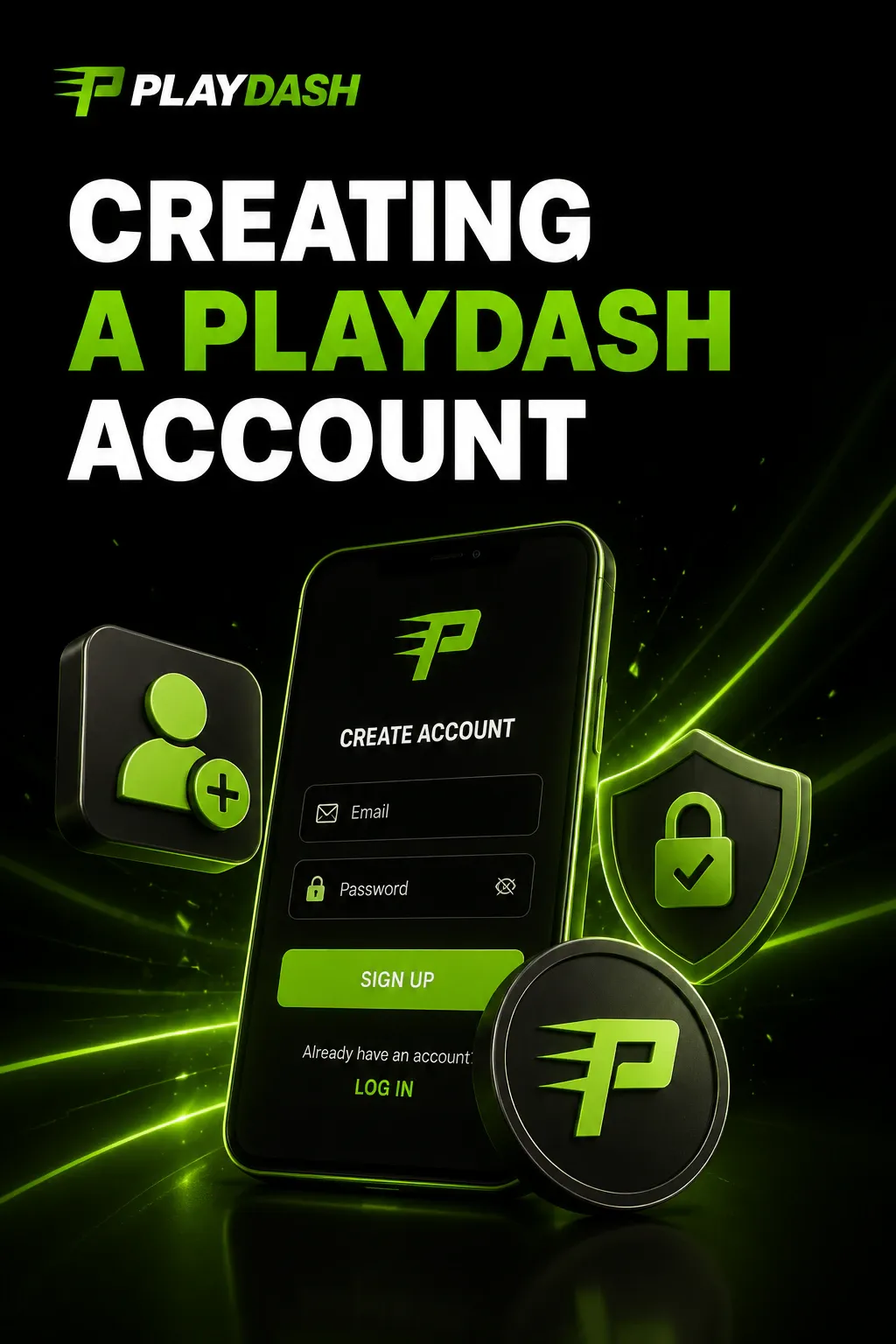
Credentials only exist after registration. The sign-up sequence is short:
- Tap Sign Up on the verified PLAYDASH website.
- Enter a phone number or email and create a password.
- Confirm the phone number or email with the code you receive.
- Check the profile and displayed currency, then deposit when ready.
Documents are not normally requested at this stage. Once registration is complete, the contact detail and password you chose become your login for every future visit.
Why contact confirmation matters
Confirming the phone number or email proves you control it. Use one you expect to keep: a typo during sign-up can make password recovery considerably harder later. Make sure the name and details you enter are accurate too, because they will be compared with your documents when you verify the account.
Signing in on desktop and mobile
Desktop browser
- Open the official website yourself, not through a link in a message.
- Enter the phone number or email used at sign-up, followed by your password.
- Press Log In and enter a verification code if one is requested.
Mobile browser
Mobile login is almost identical. Open the site in a current Android or iOS browser and use the same details. There is no separate mobile casino and no second registration: balance, history and settings stay tied to the same profile. The mobile app guide explains how to add a home-screen shortcut.
Making login reliable
Not every failed login means something is wrong with the account. Before retrying, check that Wi-Fi or mobile data is stable, keep cookies enabled, use an up-to-date browser, refresh an old login page and restart the browser if the page behaves strangely. Registering again will not fix a browser error.

Choosing a password that lasts
Use a password unique to PLAYDASH, never one reused from email, social media or another gambling site. A practical password combines upper- and lower-case letters, numbers and symbols, with enough characters to make guessing difficult.
Keep it private. Nobody needs your password to help with a legitimate support request, and a message asking you to send it by email, chat or Telegram should be treated as suspicious. If you think it has been exposed, change it before your next login.
When login goes wrong
Three situations account for most access problems: a forgotten password, a page that will not respond, and a temporary account restriction.
Forgotten password
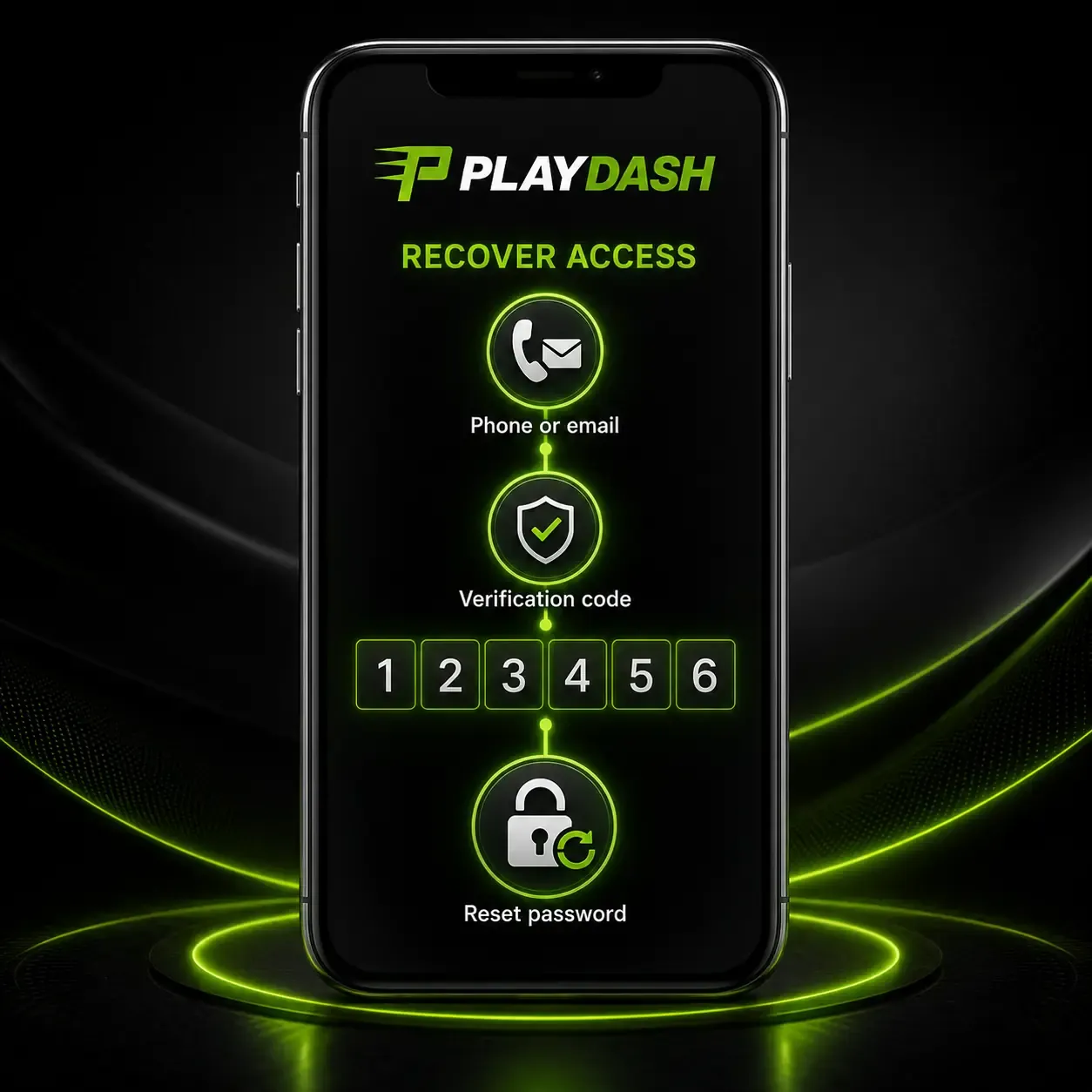
Use the recovery function linked to the phone number or email you registered with. Before resetting, check capitalisation, keyboard language and any saved autofill entry. If recovery still fails, contact live chat. Opening another profile is not a substitute: multiple registrations can conflict with anti-fraud controls.
Page not responding
- refresh the page;
- check your connection;
- clear the browser cache;
- try another current browser;
- test the same login on another device.
A frozen page does not mean the account is blocked. If the site works elsewhere, keep using your existing credentials.
| Situation | What normally happens |
|---|---|
| Negative balance after a bet is recalculated | Deposit the missing amount to restore normal use |
| Failed verification | A ticket explains what to correct; resubmit the documents |
| Correct documents accepted | Verification proceeds and access returns to normal |
| Suspected account compromise | Contact support immediately |
| Password recovery not arriving | Check the linked phone or email, then use live chat |
Wait until the underlying restriction is resolved instead of repeatedly trying to log in. A self-exclusion is a different kind of lock: it is deliberate, and a return after it ends is at the operator’s discretion.
If someone else may have accessed your account
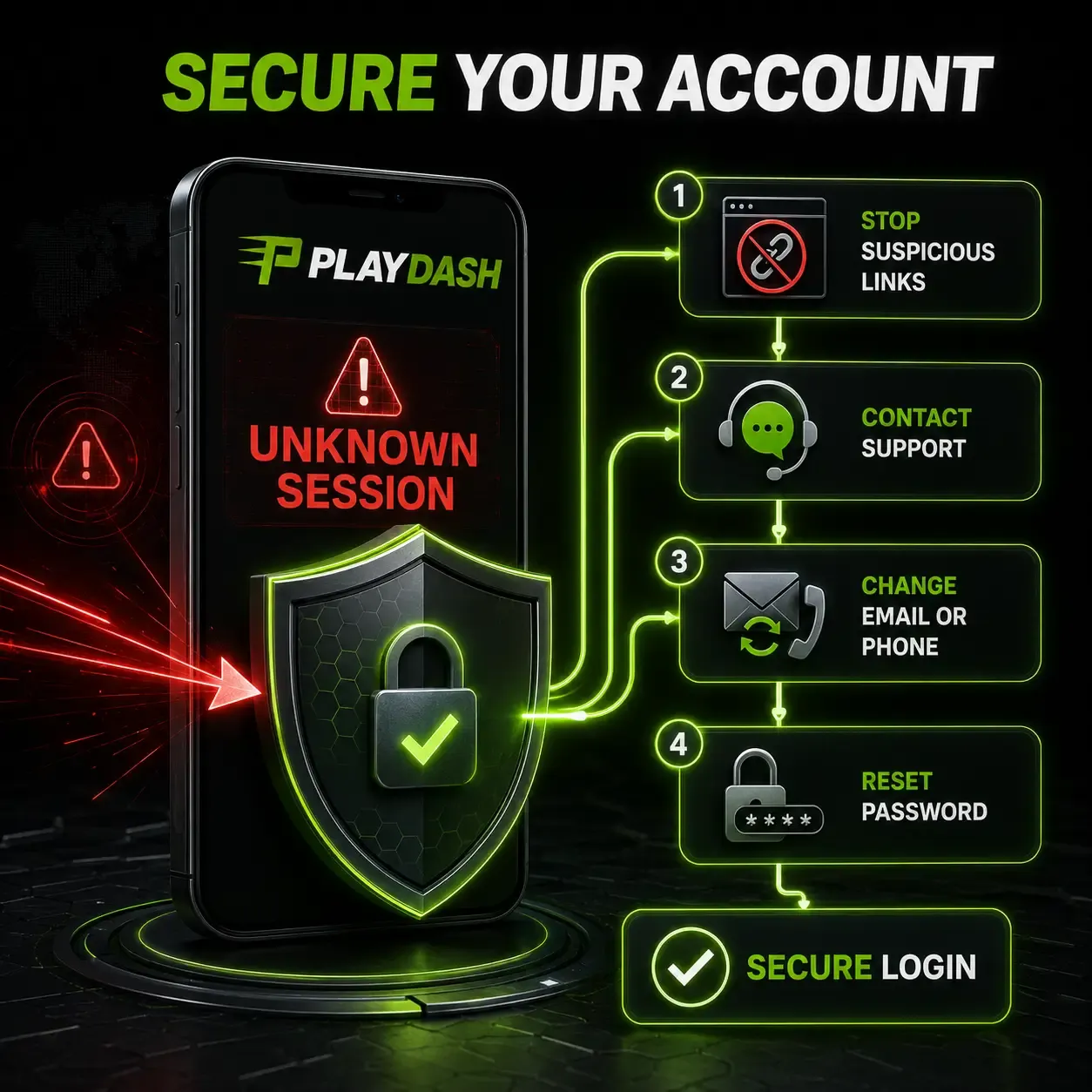
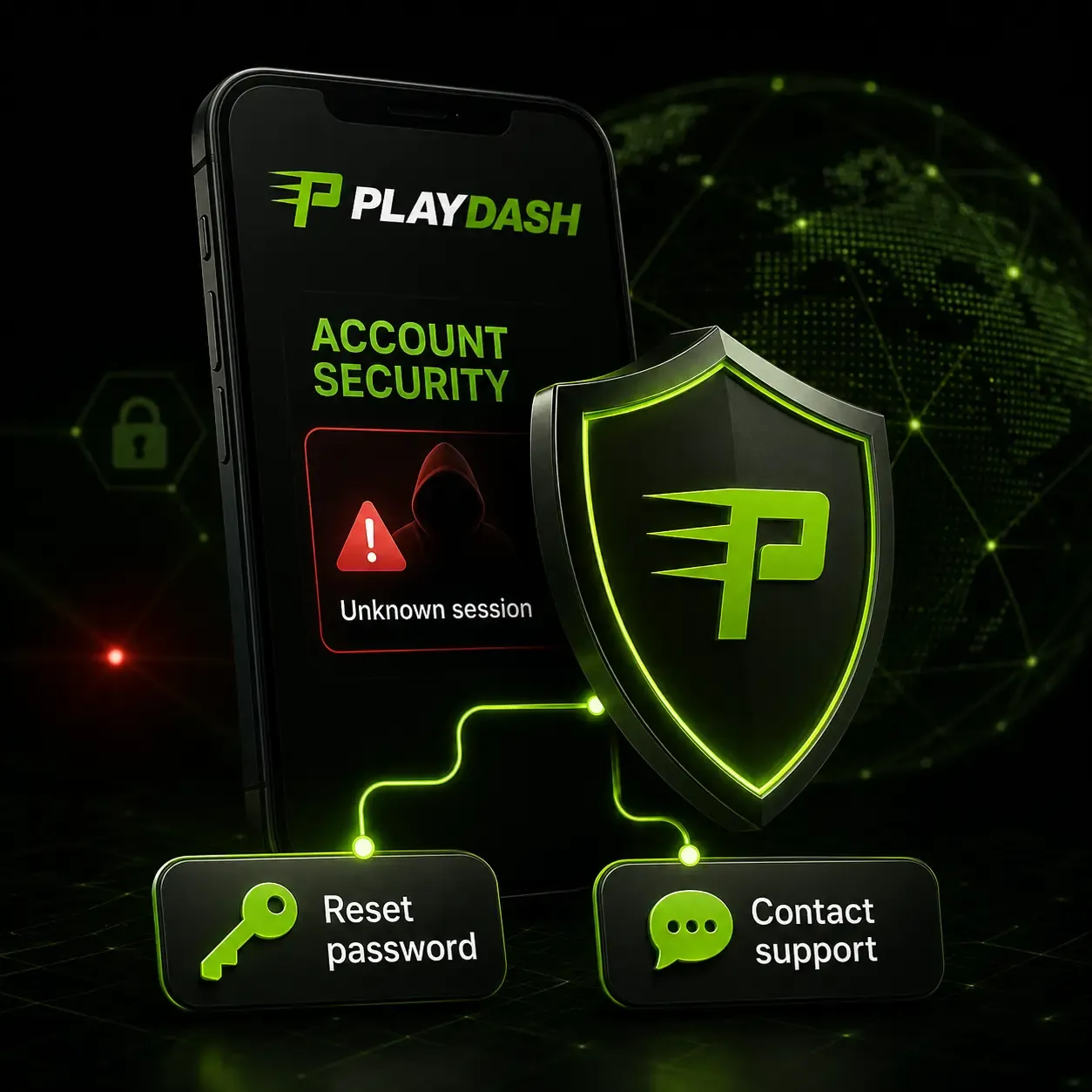
Payments and personal information sit behind the same login, so unfamiliar sessions or transactions need a fast response. Under the account terms, activity confirmed with the correct login and password can be treated as legitimate, and the operator may not be responsible where credentials were disclosed to someone else.
- Stop using any suspicious link or message.
- Contact support immediately.
- Report the sessions or transactions you do not recognise.
- Ask support to change the linked email or phone number if needed.
- Reset your password, then sign in again only once the account is secure.
Do not open a replacement account while the original is being secured unless support specifically tells you to.
Spotting a fake login page
Use a verified address for every login and type it yourself rather than opening links from adverts, messages or unofficial social profiles. Fake pages copy the PLAYDASH look to collect credentials.
- never send a password, PIN or verification code by email, chat or Telegram;
- protect the email account linked to PLAYDASH, because recovery messages go there;
- sign out on shared or secondary devices and avoid public computers;
- keep your browser and operating system updated and avoid unknown extensions or remote-access tools.
A first login, start to finish
The minutes after your first sign-in are the best time to set up the account so later access and payouts run smoothly.
- Sign in with the phone number or email you just confirmed and enter the verification code if one is requested.
- Open the profile and check that your name and contact details are spelled exactly as on your ID — KYC compares them later.
- Check the currency shown on the account; if it is not the one you expected, ask support before paying anything.
- Decide your budget and set a deposit limit in the profile before the first deposit.
- Look at the Welcome Bonuses Pack countdown and read the card of any offer you might use.
- Upload your KYC documents early; it unlocks the Verification Quest spins and avoids a hold on your first withdrawal.
When you move between devices, use the same credentials everywhere and sign out of the device you leave, especially a shared or secondary one. Unused sessions are an unnecessary risk even though the platform does not limit you to one device.
Troubleshooting by symptom
Match what you see on screen to the most likely cause before you try again.
| What you see | Likely cause | What to do |
|---|---|---|
| Login or password rejected | Typo, keyboard language, Caps Lock or an old autofill entry | Retype by hand, clear the saved entry, then use password recovery |
| Verification code does not work | The code expired or a newer one was sent | Request a new code and use only the latest one |
| No recovery message arrives | It went to an old phone number or email, or was filtered | Check the linked contact and spam folder, then contact live chat |
| Login page will not load or freezes | Unstable connection, old cache or an outdated browser | Refresh, clear the cache, keep cookies on, try another updated browser or device |
| Signed in but play or withdrawal is blocked | Negative balance after a recalculated bet, or verification pending or failed | Deposit the missing amount, or follow the instructions in the verification ticket |
| Access refused after a break | Self-exclusion or a restriction is active | Contact support; a return after self-exclusion is at the operator’s discretion |
| A session or transaction you do not recognise | Possible account compromise | Follow the compromise steps above at once |
Two things never fix access: opening a second account and repeatedly retrying a failing password. Duplicate registrations can trigger anti-fraud checks, and repeated attempts can add a temporary restriction to the original problem.
If none of these steps restores access, contact support with your registered phone number or email, a short description, the date and approximate time of the attempt and a screenshot of the error — with any password, code or card details hidden.
What login unlocks
One login gives access to games, sports betting, the cashier, Promotions and VIP information. The cashier for Singapore-facing accounts lists deposit options such as Sure Pay, Fast Pay, DG Pay, online banking and cryptocurrency, and shows the account’s own limits; the payments guide explains each step.
The account area also shows active promotions and the Target Progress points used by the VIP programme. Every login returns you to the same progress, so there is no reason to register again on a new device. See the bonuses guide for how those offers and VIP tiers work.
Verification sits alongside login. KYC can require a photo of an identity document, a selfie holding it and a bank statement or utility bill issued within the last three months. It is separate from sign-up and becomes compulsory before your first withdrawal.
Getting help with access
If normal recovery does not restore access, support is available from a phone or computer through 24/7 live chat and the official Telegram channel. Support can help with login, password recovery, KYC, payment questions and changes to the contact details you entered at sign-up.
Explain whether the problem concerns the password, verification, the registered phone number or the email, and include the time of the failed attempt and any on-screen message. Never include the password itself.
Login questions
Is PLAYDASH login secure?
The platform states that traffic is protected with 256-bit SSL encryption and passwords are stored encrypted. It operates under Anjouan licence ALSI-202410062-FI2 and applies KYC and AML controls. Always log in through the verified website, not an unknown link.
I forgot my password. What now?
Use password recovery through the phone number or email you registered with. If that fails, contact live chat. Do not create another account through sign-up.
Will support ever ask for my password?
No. Treat any email or chat message asking for your password as suspicious and open the official website directly before trying to log in again.
Can I use PLAYDASH on more than one device?
Yes. The same login works across compatible devices and your balance and history stay with the account. Sign out of shared or secondary devices when you finish.
Do I need documents to log in?
No. Documents are needed for verification, not for login. KYC can require an identity document, a selfie with it and a recent bank statement or utility bill, and it is required before withdrawals.
A login routine worth keeping
Most access problems are avoided with a few habits set up on day one. A unique password, a contact detail you will keep and a verified address remove most of the risk; recovery rather than re-registration solves most of the rest.
- register with a phone number or email you will still control next year;
- store a unique password and never share it or a verification code;
- type the address yourself and sign out on shared devices;
- complete KYC before your first withdrawal so access is not interrupted later.